The Rose Garden
Aimoo Forum List |
Ticket |
Today |
Member |
Search |
Who's On |
Chat Room | Photos | Help |
Sign In |
The Rose Garden
Aimoo Forum List |
Ticket |
Today |
Member |
Search |
Who's On |
Chat Room | Photos | Help |
Sign In |
 |
|

| Title: 5 Slats picture inside | |
| The Rose Garden > ♥.·:*¨¨*:·. CYANE / SHARONS GARDEN .·:*¨¨*:·.♥ > .·:*¨¨* •☆ Tutorials ☆• *¨¨*:·. | Go to subcategory: |
| Author | Content |
Sharon2Rusty

|
|
|
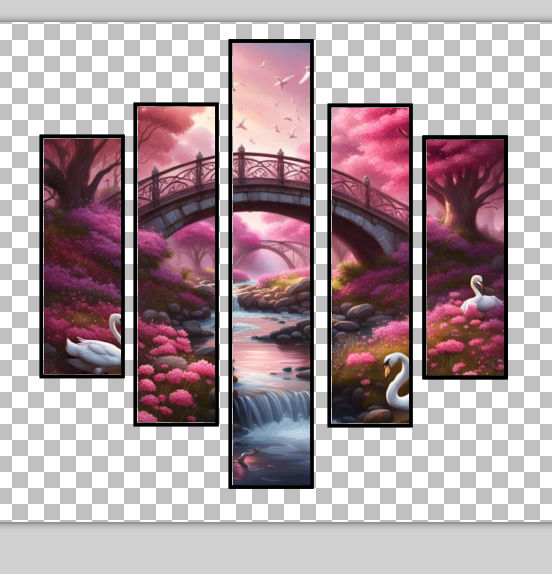
Date Posted:09/09/2024 5:28 PMCopy HTML hey everyone (((((waving))))) we are going to add a picture in our frame..... yep a picture... find something you may like to use.. I am using this one... on the first thread.. I will post some papers up for you to chose if you want to use any :) ok I am going to use this one
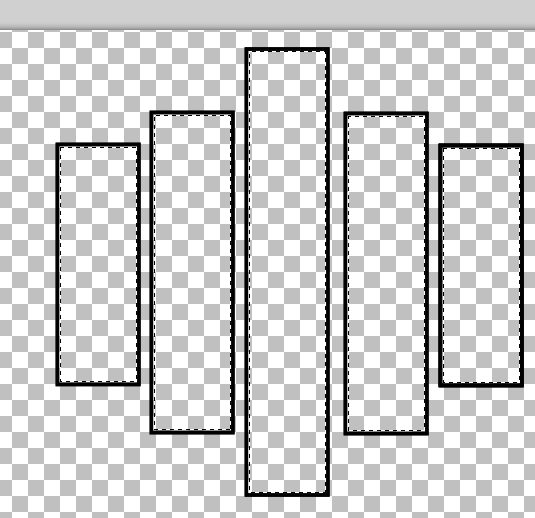
now let go to our slat.. I am going to do the magic wand
and now go over to my slat and click on every inside square...
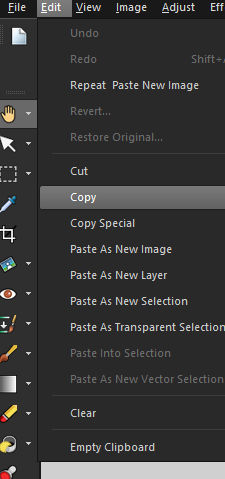
now going to go to my paper and click edit and then copy
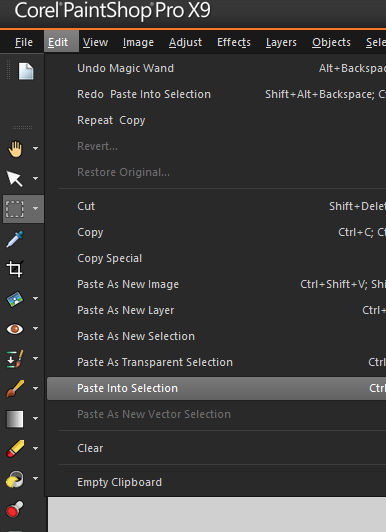
go back to my slats and click paste into selection
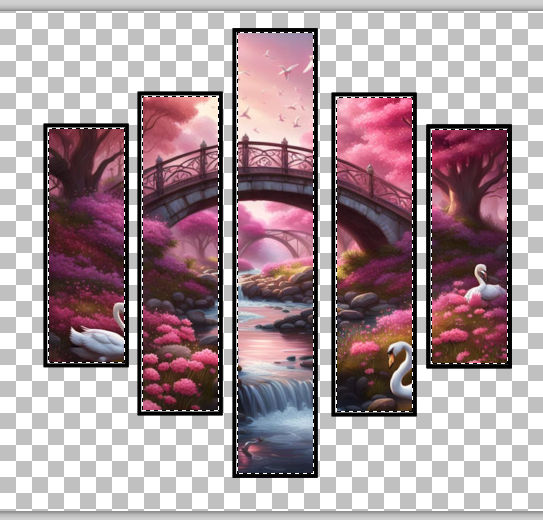
now you will see your picture in the slat
and then you are done go to select select done this will knock the little lines off of the tag
now go to layers merge merge visible.... but of you want a white background go to layers merge merge all you did it !!!!! you can add ladies or anything in front of it.... have fun.. |