The Rose Garden
Aimoo Forum List |
Ticket |
Today |
Member |
Search |
Who's On |
Chat Room | Photos | Help |
Sign In |
The Rose Garden
Aimoo Forum List |
Ticket |
Today |
Member |
Search |
Who's On |
Chat Room | Photos | Help |
Sign In |
 |
|

| Title: Making 5 Slats | |
| The Rose Garden > ♥.·:*¨¨*:·. CYANE / SHARONS GARDEN .·:*¨¨*:·.♥ > .·:*¨¨* •☆ Tutorials ☆• *¨¨*:·. | Go to subcategory: |
| Author | Content |
Sharon2Rusty

|
|
|
Date Posted:09/09/2024 5:27 PMCopy HTML ok here is something fun to do.. we have seen these online, pictures of a mountain, stream or something and they are all bunched up in 5 frames so lets make us one.... ok I am going to start off with 600 by 500.. why I don't know I always have it set to 600 by 500 (using psp 19)
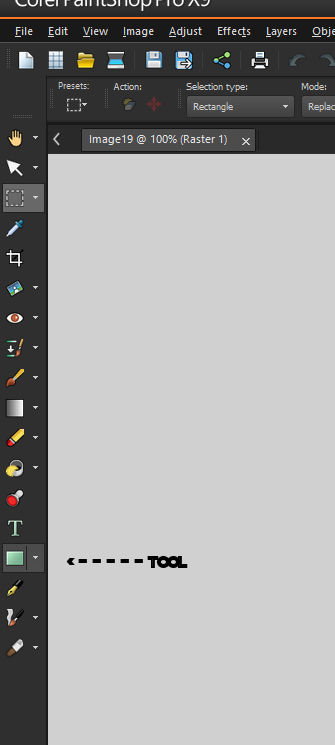
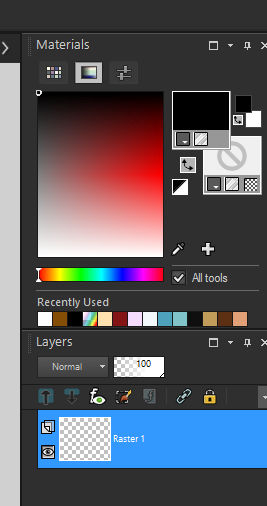
set the top one to black I think it is foreground
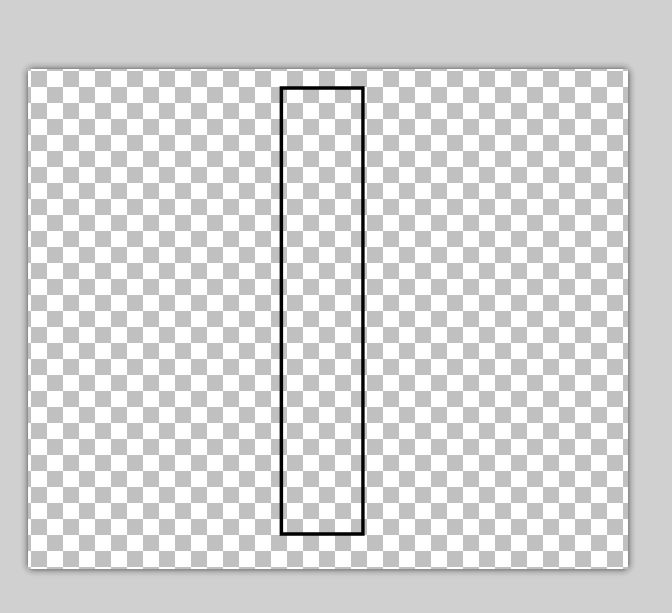
now we are now going to draw a rectangle in the middle of the page now you can move it around make it smaller or larger... just try and get it set to the middle
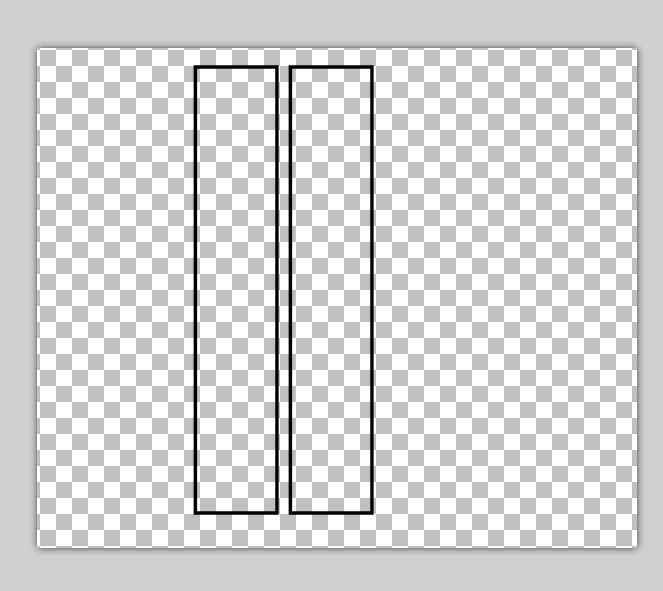
now at this point we can copy and paste this rectangle place it on the left or right
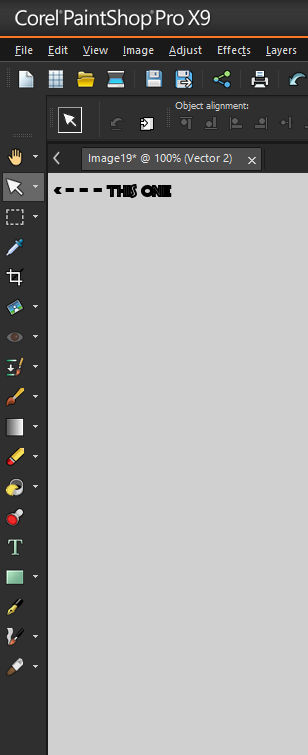
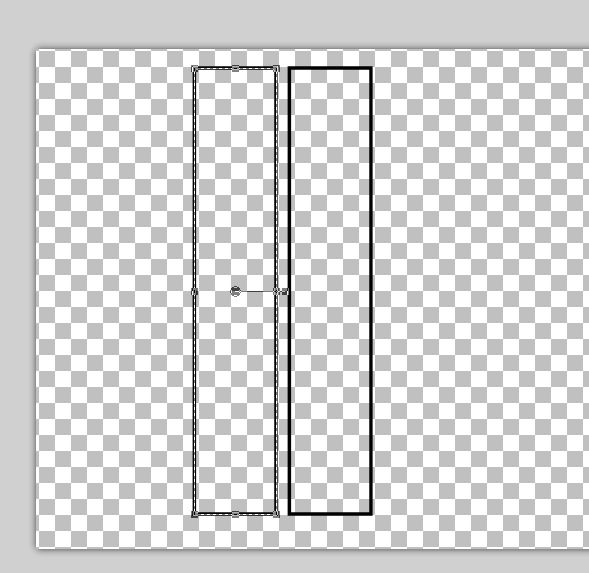
now we are going to go to pick tool click on it and the highlight will show up on the second rectangle
it will look like this... now you can resize it :)
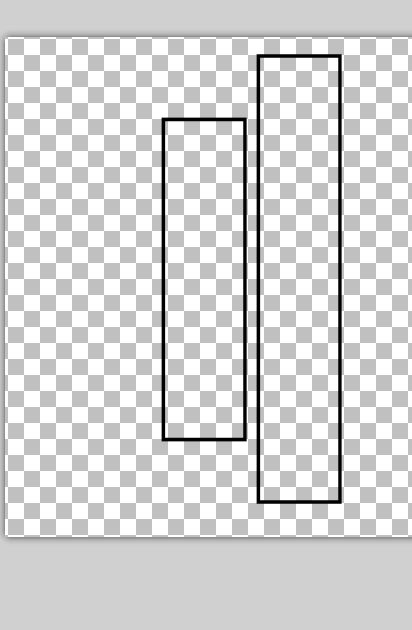
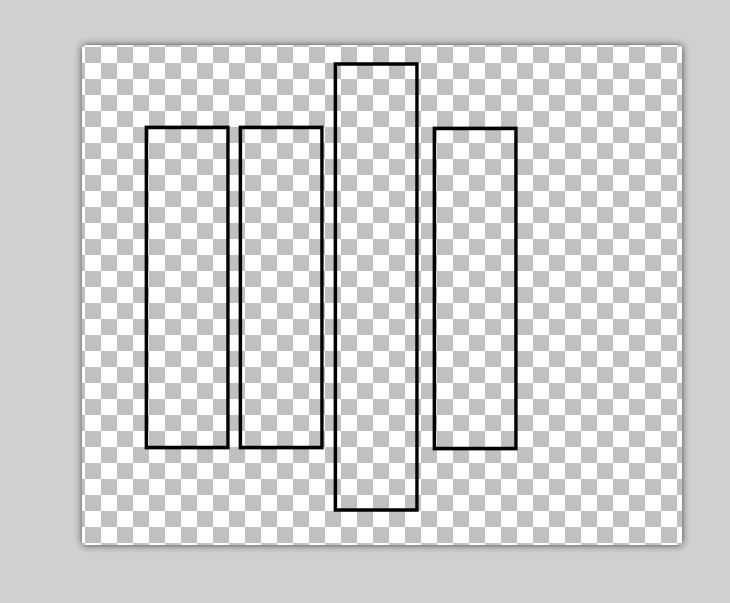
drop the top down and go to the bottom and move it up a bit it will look like this...
now copy this one and paste it to the right of the middle one or to the right, the opposite way you are using and started with...
ok we are almost there we got 2 more to do, copy the last one, move it to the right or left of the slat...
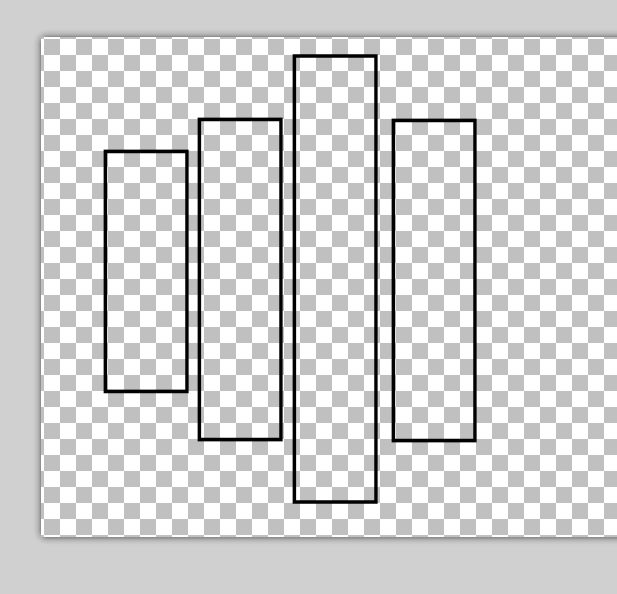
now we are going to go to pick tool click on it and the highlight will show up on the forth rectangle
move the top down a bit, and the bottom up a bit
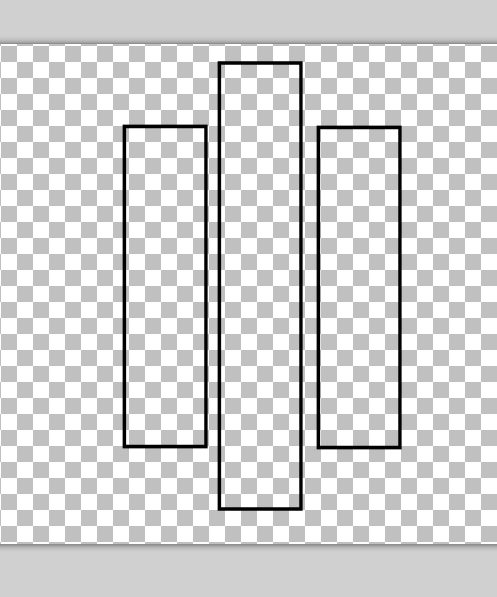
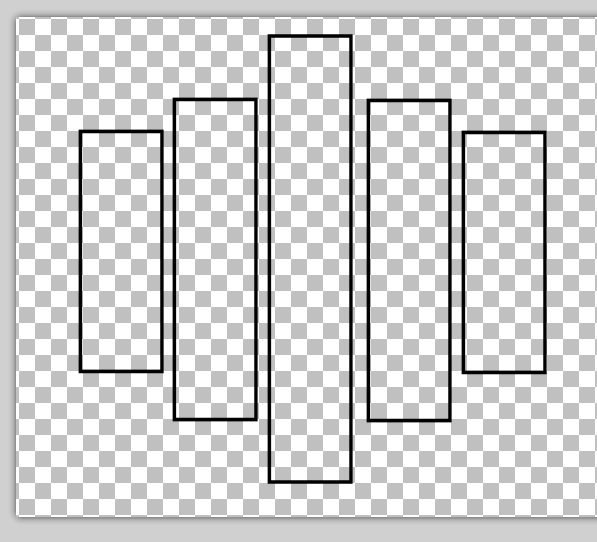
and when you have the size you want just right copy it and then paste it to the opposite side looky here we have made us a 5 slat frame
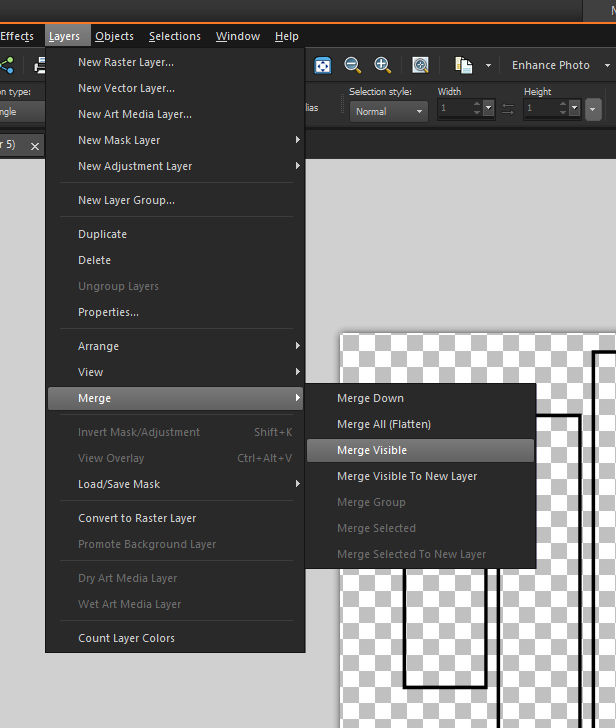
now merge it, we do not want to lose it... I will probably do merge, merge visible and save it if you do merge, merge all... it will be a white background instead of a transparent one
I am so very proud of all of you keep it up lets make some more things...
|